Winlatorr Features – Windows Apps and PC Gaming on Android
Explore Winlatorr features, including Windows application support, PC gaming compatibility, graphics drivers, custom settings, controller support, and Android compatibility.
Winlatorr is an Android application that allows users to run many Windows (x86 and x86_64) applications and games on Android devices. It combines technologies such as Wine and Box86/Box64 to provide compatibility with Windows software.
With Winlator, users can explore a PC-like software experience directly on their Android phones. It offers several configuration options that help users adjust compatibility, graphics, and performance depending on their device.
Windows Application Compatibility
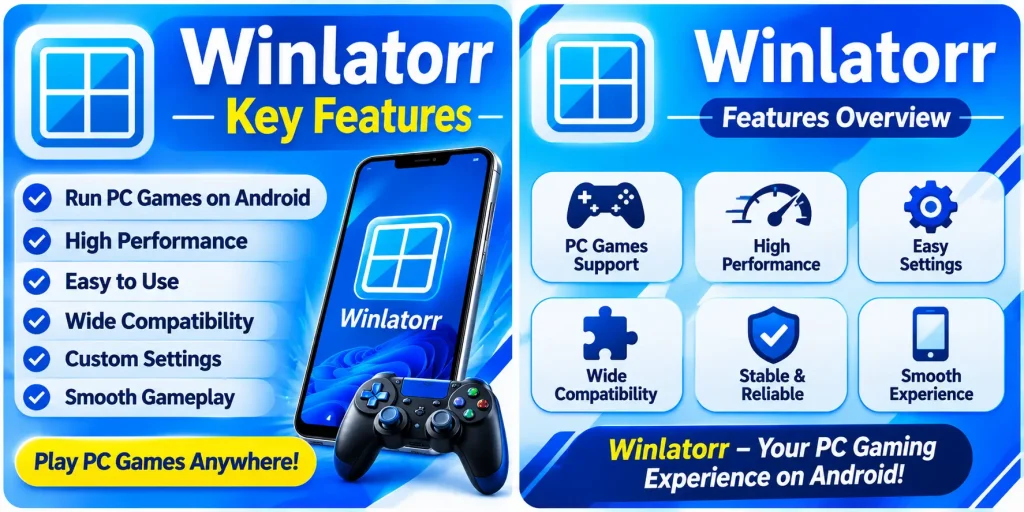
One of the main features of Winlator is its ability to run supported Windows applications on Android.
It uses Wine as a Windows compatibility layer and Box86/Box64 to handle x86 and x86_64 application code.
This makes it possible to run certain Windows programs without installing a traditional Windows operating system on an Android phone.
PC Gaming Support
Winlator is popular among users who want to experience supported PC games on Android devices.
Depending on the game and device specifications, users can try different Windows games through Winlator.
However, not every PC game is compatible, and some games may require additional configuration.
Graphics Driver Support
Graphics compatibility is an important part of Winlator.
Depending on the version and device, graphics options may include technologies such as:
- Turnip
- VirGL
- Zink
- DXVK
- VKD3D
These technologies help translate or handle graphics instructions so supported Windows applications and games can work with Android graphics hardware.
Custom Container Settings
Winlator provides container settings that allow users to configure their Windows environment.
Users can create and adjust containers with different configurations depending on their applications and games.
These settings can help users manage compatibility and troubleshoot application issues.
Performance Configuration
Another useful feature is the ability to adjust performance-related settings.
Winlator includes Box64 configuration presets that can help balance performance and stability.
Available options may vary between versions and builds.
Actual performance depends on the Android device, processor, GPU, available memory, and the requirements of the application.
Resolution and Fullscreen Options
Winlator supports display configuration options for compatible applications and games.
Users can adjust display settings and use the Force Fullscreen option where available.
This can help certain older or low-resolution games display more appropriately on an Android screen.
Game Controller Support
Winlator supports external game controllers for compatible games.
A supported XInput or Xbox-style controller can provide a more familiar gaming experience compared with touchscreen controls.
Controller compatibility can depend on the game and connected device.
Individual Game Configuration
Different games may require different settings.
Winlator allows users to create shortcuts for applications and games and configure individual settings where supported.
This makes it easier to keep separate configurations for different games.
NET Framework Support
Some Windows applications require .NET-related components.
Winlator provides Wine Mono through its system tools for applications that need compatible .NET functionality.
Installing the required component may help certain applications run correctly.
No Root Access Required
Winlator does not generally require root access to run.
Users can install the application on supported Android devices without rooting their phones.
This makes the application more accessible to Android users who want to experiment with Windows software compatibility.
Open-Source Technologies
Winlator uses several established open-source projects and technologies, including:
- Wine
- Box86
- Box64
- Mesa
- DXVK
- VKD3D
These projects contribute to Windows application compatibility, graphics translation, and software execution.
Android Device Compatibility
Winlator is designed for Android devices, but compatibility and performance vary.
The processor, GPU, Android version, graphics drivers, and available RAM can all affect the experience.
Users should check the requirements of their particular Winlator build before installing it.
Why Choose Winlator?
Winlator offers an interesting way to explore Windows application compatibility on Android.
Its combination of Wine, Box86/Box64, graphics technologies, customizable containers, and controller support makes it useful for users interested in running supported Windows applications and games on mobile devices.
It is important to remember that Winlator does not guarantee that every Windows program or PC game will work.
Frequently Asked Questions (FAQs)
Final Words
Winlator is an interesting Android application for people who want to explore Windows software and PC gaming compatibility on mobile devices. Its customizable settings, graphics support, controller compatibility, and Windows application translation technologies make it a useful option for supported software.
Before installing Winlator, check your device compatibility and download the application from a trusted project source.